Plan your festival experience your way.
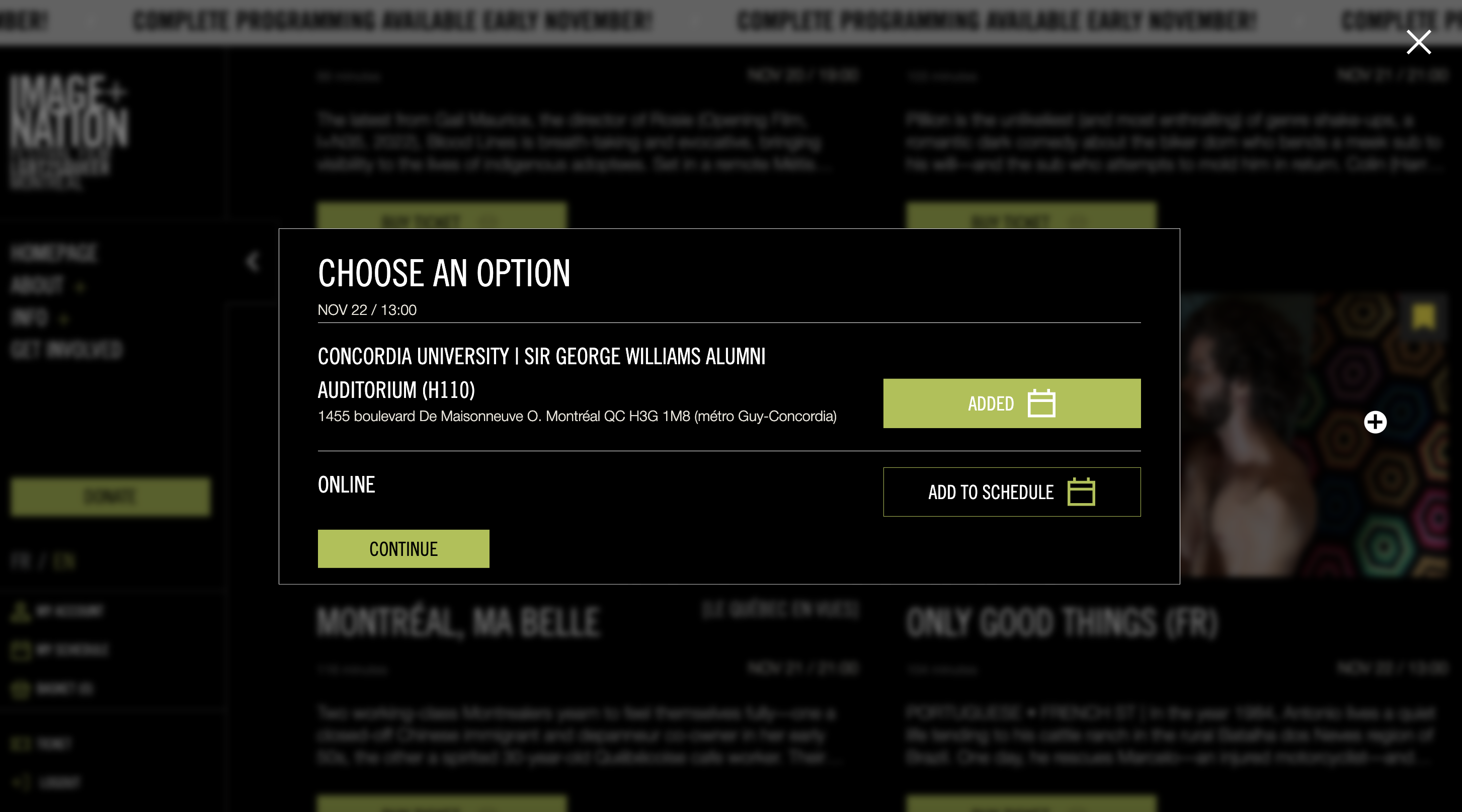
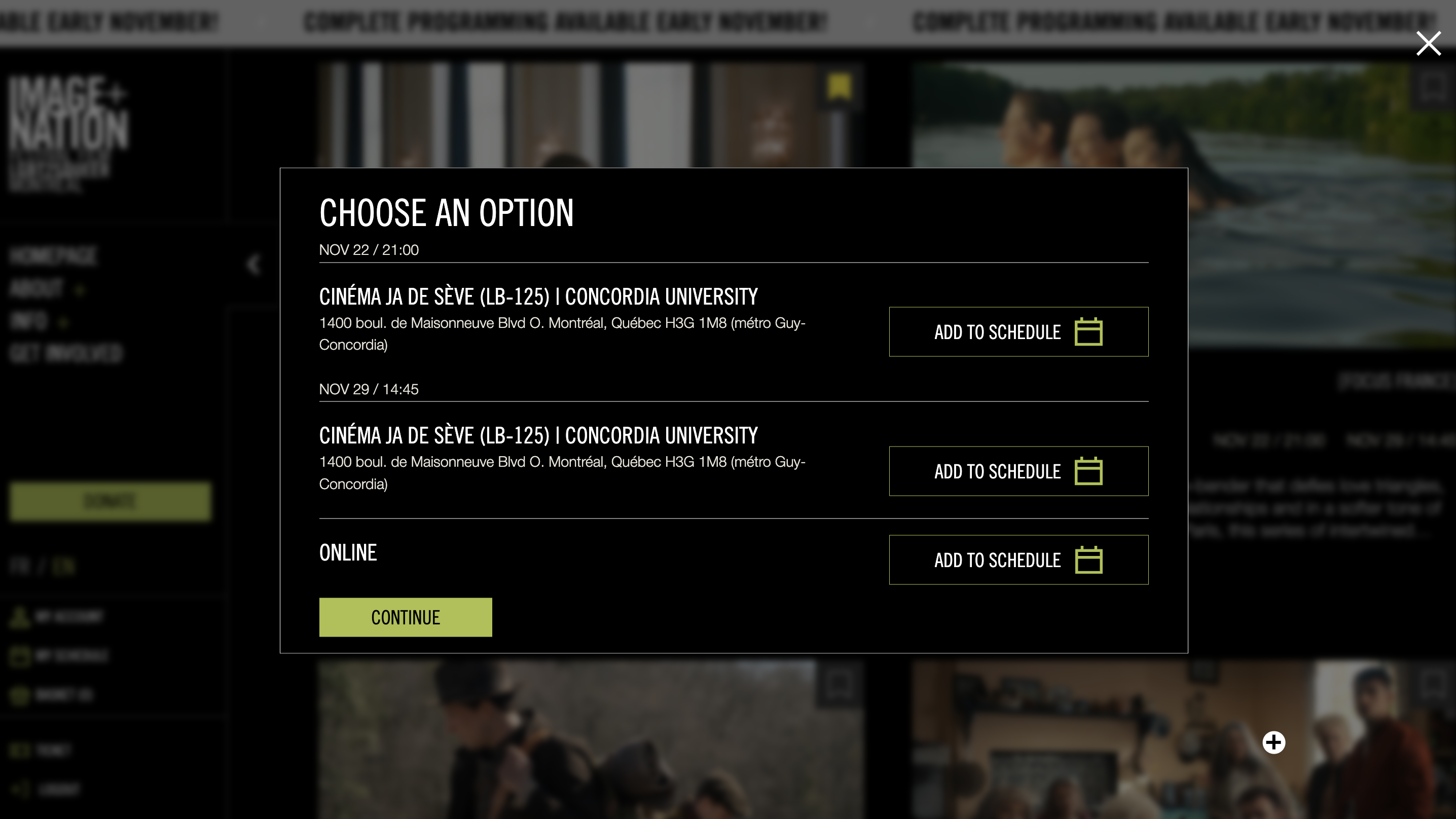
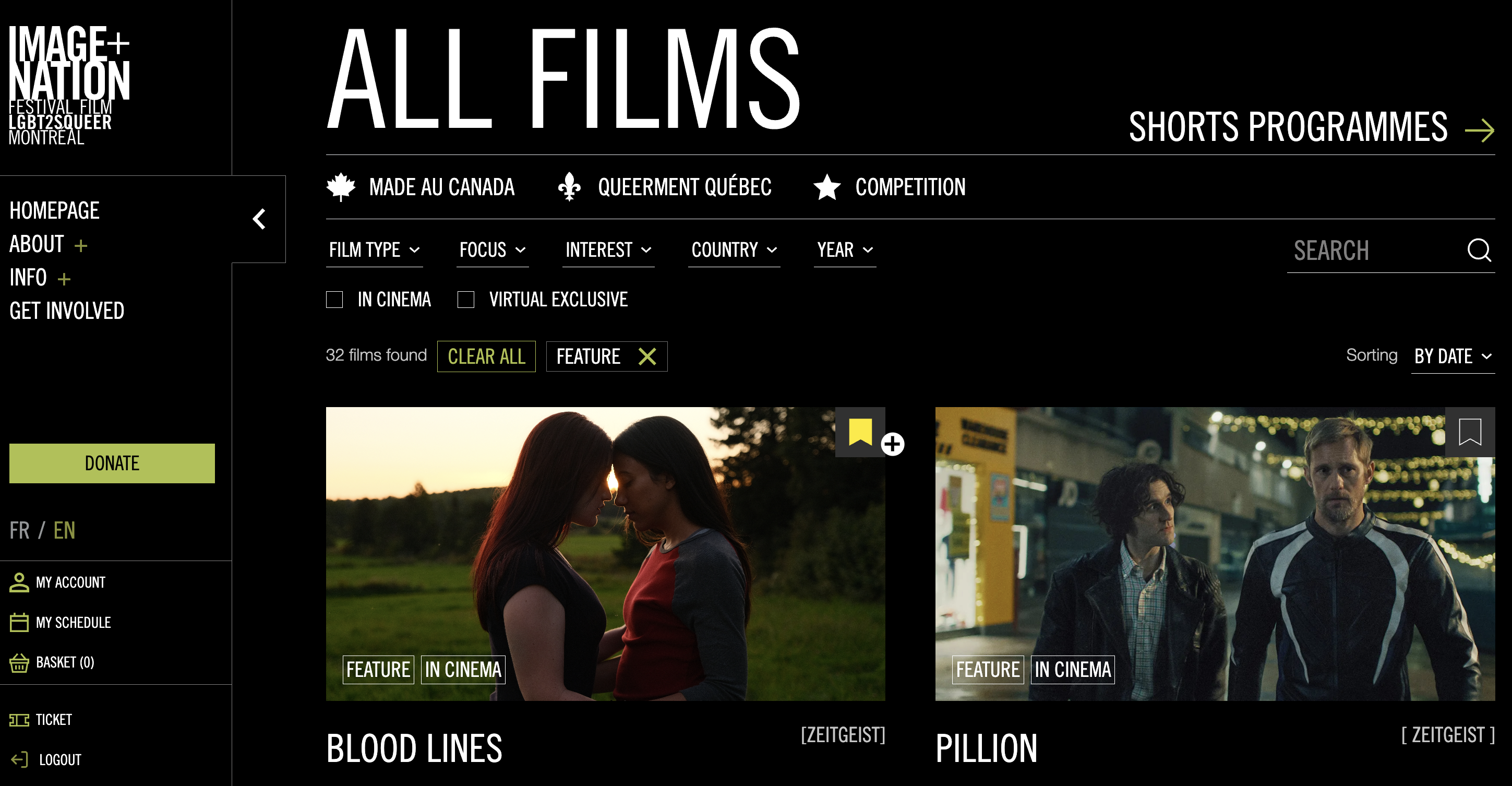
You can now bookmark films you want to see and build your own personal festival schedule.
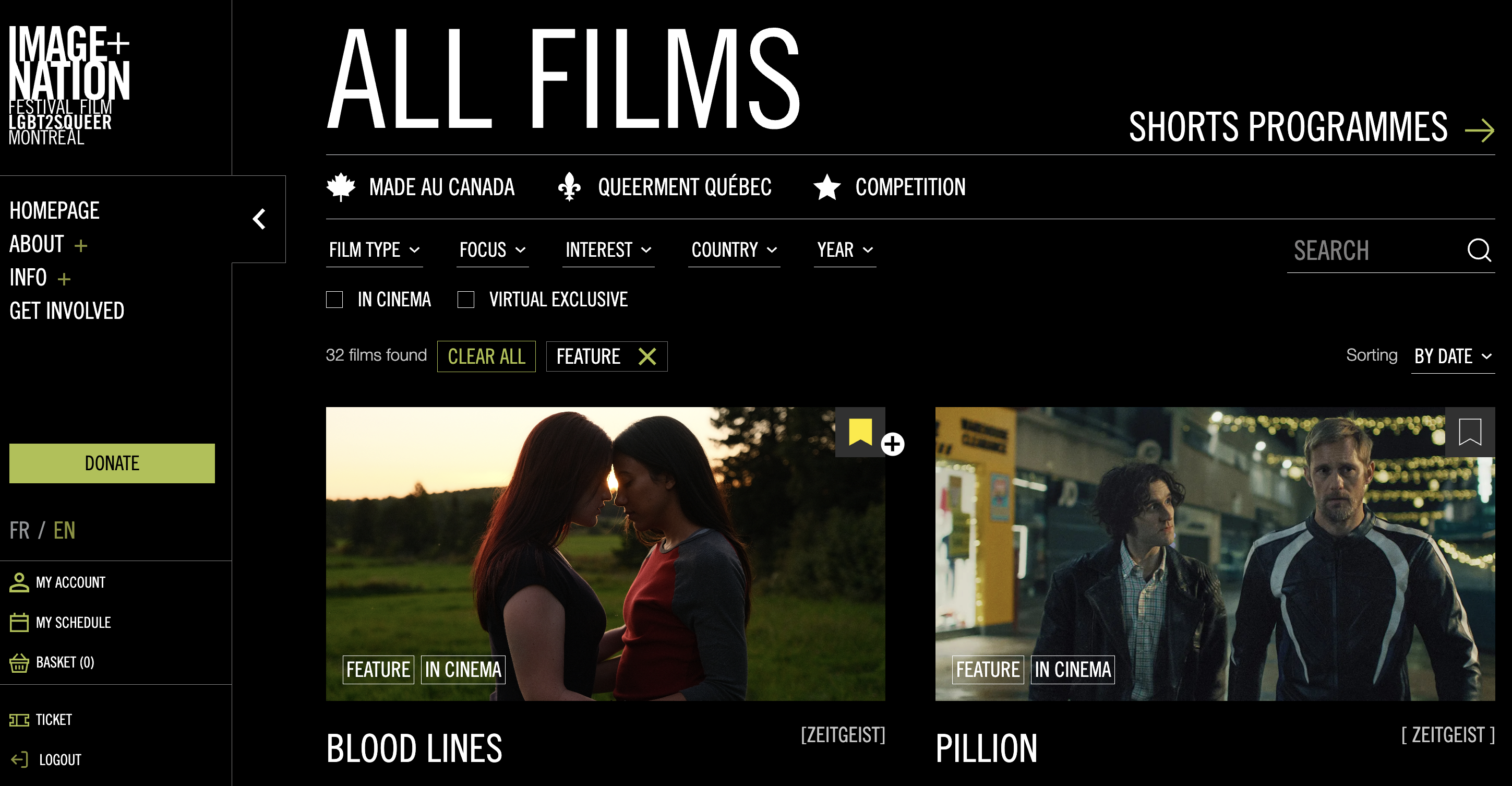
To save a film, click the BOOKMARK ICON in the top-right corner of the film tile. Once it turns yellow, the film is saved to your schedule.
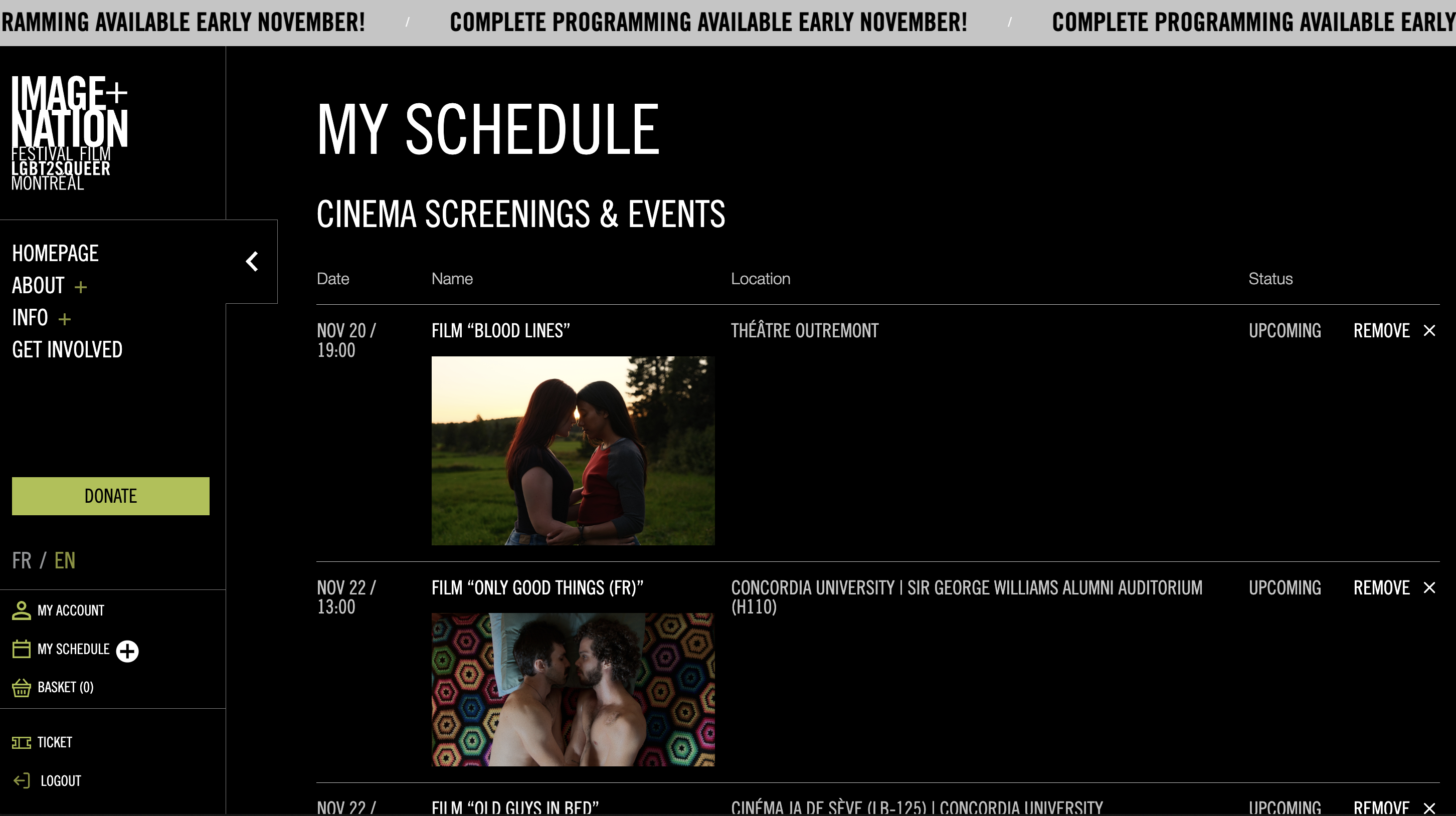
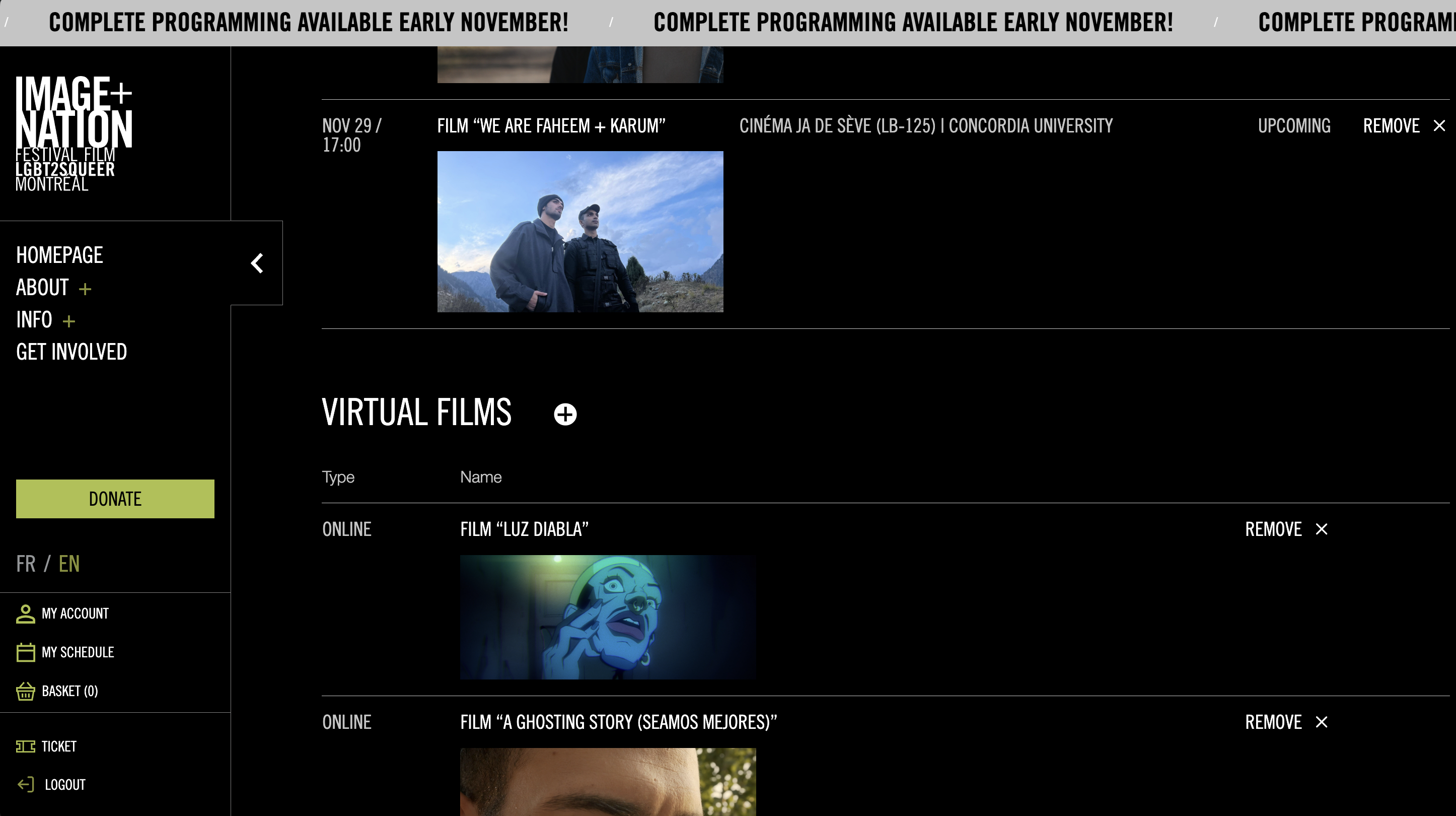
You can view all saved films by selecting MY SCHEDULE from the menu on the left, just under MY ACCOUNT.
If you’ve purchased tickets for any of the saved films, quick-access buttons will appear in MY SCHEDULE:
– For in-person screenings: VIEW TICKET
– For virtual exclusives: WATCH NOW
These options are also available in MY ACCOUNT for easy access.
This new feature helps you stay organized and enjoy a seamless festival experience, whether you’re joining us in person or online.
SUPPORT
Having trouble accessing your film or using your pass? We're here to help:
🔗 EN: Contact Us Form
🔗 FR: Formulaire de contact
Please include any relevant details (e.g., ticket number, voucher code, device used) when reaching out so we can assist you more quickly.